Getting started
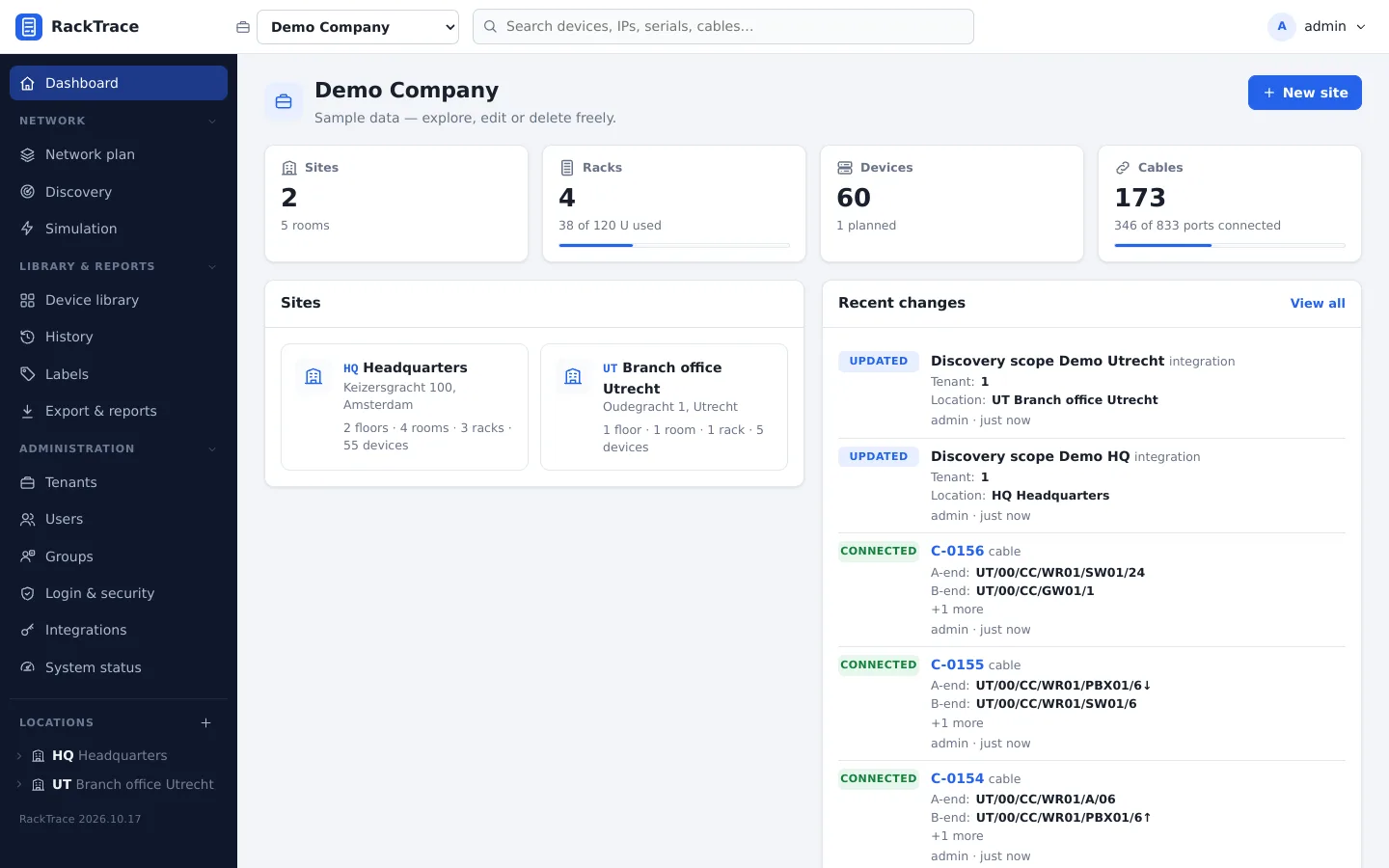
RackTrace documents your network and your racks, from the building down to the single port: where every device sits, which cable goes where, and how the network is set up. These docs explain every part of the app, step by step.
Where to start#
QuickstartYour first rack in ten steps, from an empty tenant to a traced cable.
Signing inE-mail address and password, passkey or Microsoft, and the second step.
Locations, IDs and pathsHow RackTrace is organised, from tenant to port.
TroubleshootingMessages you may meet, and what to do about them.
Everything in RackTrace#
Rack editorPlace devices and patch cables between ports.
Floor plansDrawings, outlets, access points and cable lengths.
Cables and tracingFollow a cable from the switch to the desk.
Labels and QR codesCable, outlet and patch panel labels.
Network planVLANs, port profiles and the route check.
DiscoveryCompare the documentation with UniFi and other sources.
Network monitoringEvery network device from discovery monitored, on one screen with a live map.
Network simulationTest a change before you make it: VLANs, routing, firewall, failures and traffic.
AdministrationUsers, groups, sign-in and backups.
How these docs work#
- The names of buttons, fields and menus are written in bold, exactly as they appear on screen.
- Search with the box at the top, or press Ctrl+K (⌘+K on a Mac) or /.
- What you may do depends on your role. Buttons you cannot use are not shown; see Roles and rights.
- The docs are in English and Dutch: switch at the top right.