
IP addresses
The IP addresses tab of the network plan shows what is in use in every subnet, what is free and what conflicts.
Addresses per subnet#
The IP addresses tab shows per VLAN subnet which addresses are in use, according to RackTrace (management IPs, IP assignments, DHCP reservations, gateways) and UniFi (devices and clients), what is free and what conflicts. Search with Search IP, name or MAC….
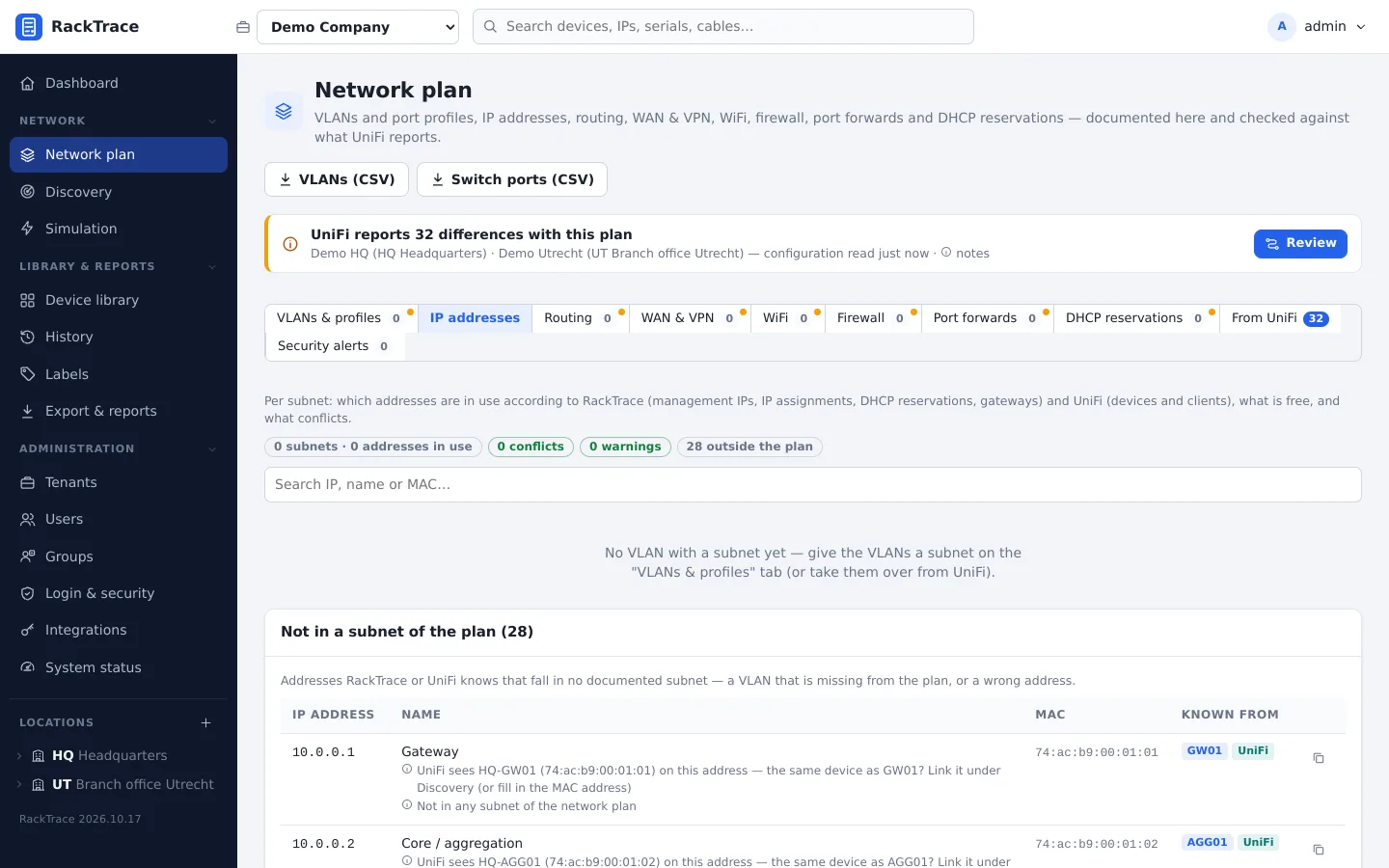
- Each subnet shows a usage bar with the DHCP range, the number in use and free, and next free: the first free address outside the DHCP range. Click it to copy.
- Inside, a table lists every address with its name, MAC and where it is known from, and Free: lists the free ranges.
- Not in a subnet of the plan lists addresses outside every documented subnet.
- IP assignments documents extra addresses (static, virtual, reserved) with New IP assignment.
Conflicts it finds:
- two devices on one address;
- the network, broadcast or gateway address in use;
- a fixed address inside the DHCP range without a reservation;
- a device that UniFi sees on another address than documented.
Free IP next to every management IP field (a + in the rack editor) opens Next free IP address: click a VLAN to fill in its first free address. This only works for VLANs with a subnet.